To comply with global Anti-Money Laundering (AML) and Counter-Terrorism Financing (CTF) regulations, Gate requires all users to complete Identity Verification (KYC - Know Your Customer). Without KYC, your account will be severely restricted.
🔒 Secure Your Account & Claim Bonuses
Before starting KYC, ensure you have registered through a premium referral link to lock in your exclusive registration benefits.
Register & Register Now1. Why is KYC Mandatory?
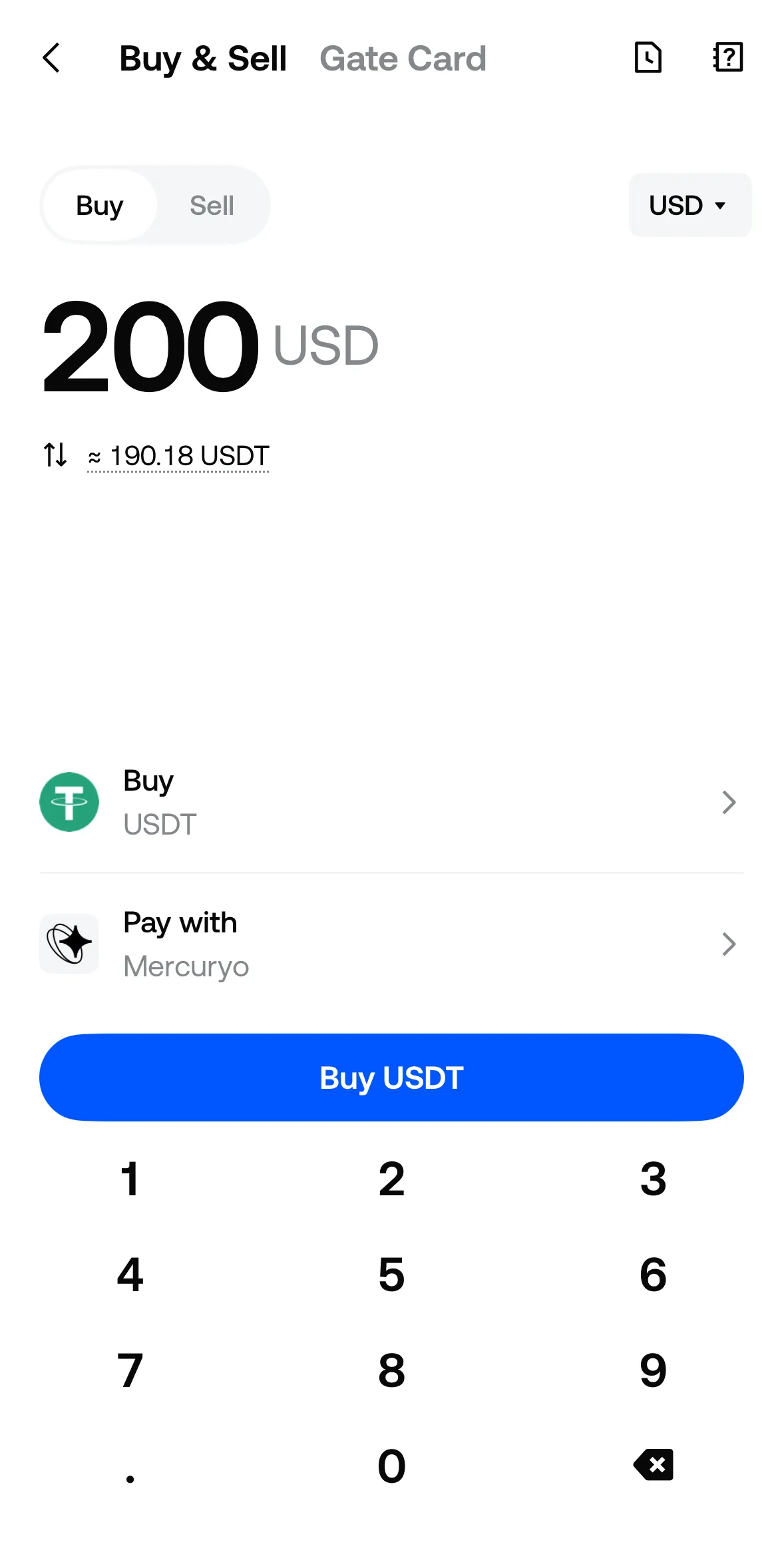
Gate enforces mandatory KYC to ensure a secure trading environment. Without passing at least KYC Level 1, you cannot:
- Deposit cryptocurrencies or fiat money.
- Trade on Spot, Futures, or Margin markets.
- Withdraw funds from the platform.
- Participate in Gate Startup or Earn products.
2. KYC Levels and Withdrawal Limits
Gate has a tiered verification system. Higher levels grant higher daily withdrawal limits and access to advanced features.
KYC Level 1 (Basic Verification)
- Requirements: Personal information (Name, Date of Birth) and a photo of a valid government-issued ID (Passport, National ID Card, or Driver's License).
- Features Unlocked: Crypto deposits, Spot trading, Futures trading, and basic withdrawals.
- Daily Withdrawal Limit: Up to 2,000,000 USDT (or equivalent).
KYC Level 2 (Advanced Verification)
- Requirements: Facial recognition (Liveness check). You will need to use your smartphone camera or webcam to scan your face.
- Features Unlocked: P2P Fiat trading, Gate Startup participation, and higher withdrawal limits.
- Daily Withdrawal Limit: Up to 5,000,000 USDT (or equivalent).
KYC Level 3 (Address Verification)
- Requirements: Proof of Address (Utility bill, bank statement, or tax document issued within the last 3 months).
- Features Unlocked: Maximum account security and the highest possible withdrawal limits.
- Daily Withdrawal Limit: Up to 8,000,000 USDT (or equivalent).
3. How to Complete KYC (Step-by-Step)
- Log in to your Gate account.
- Hover over your profile icon in the top right corner and click on "KYC (Identification)".
- Click "Verify Now" under KYC Level 1.
- Select your country of residence and document type.
- Upload clear, unedited photos of the front and back of your ID document. Make sure all text is legible and there is no glare.
- Submit the application. Processing usually takes between 5 minutes to 1 hour, but can take up to 24 hours during peak times.
⚠️ Restricted Regions: Gate does not provide services to citizens or residents of certain jurisdictions, including the United States, Mainland China, Canada, and several sanctioned countries. If your ID is from a restricted region, your KYC will be rejected.